By Suhas Das
Author
Manually renew certificate:
open the url: https://otds_app_host-app02/otdsws/rest/systemconfig/certificate_content
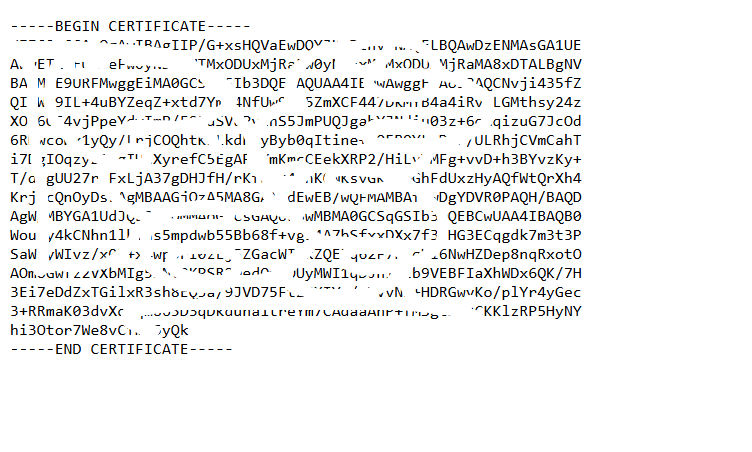
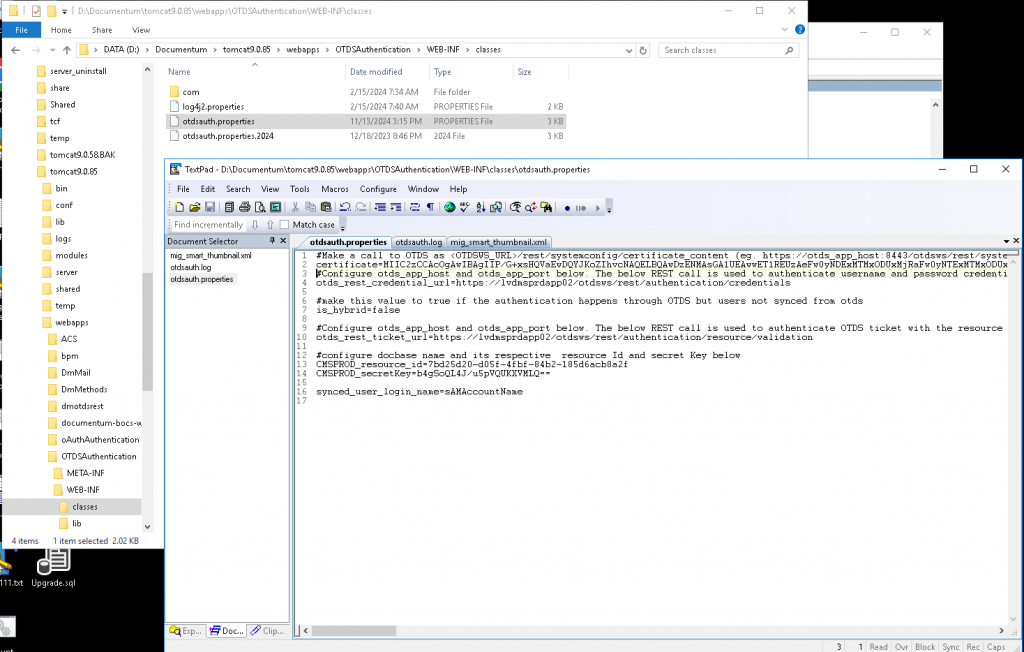
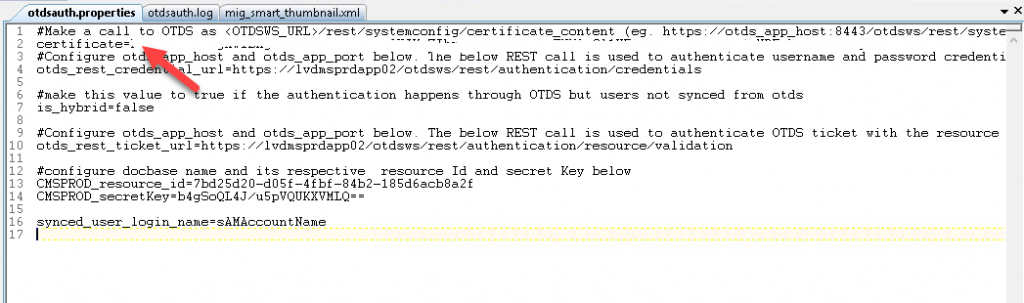
and make a single line, and paste to the file: otdsauth.properties located at D:\Documentum\tomcat9.0.85\webapps\OTDSAuthentication\WEB-INF\classes in Content Server.
Below is the screenshot:
Restart JMS.
Verify - your application must work.
In general, how long is a new OTDS certificate valid for?
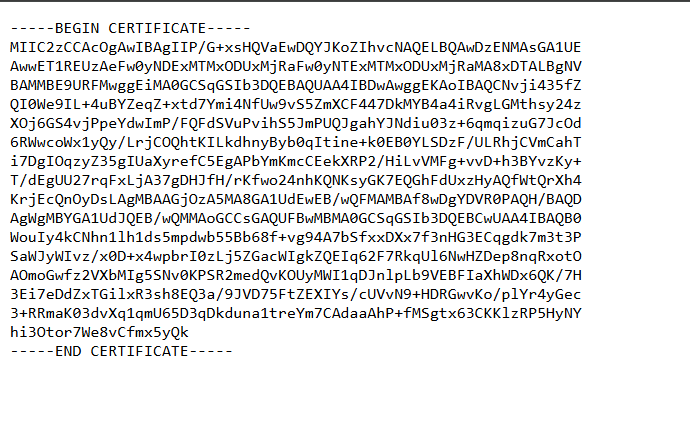
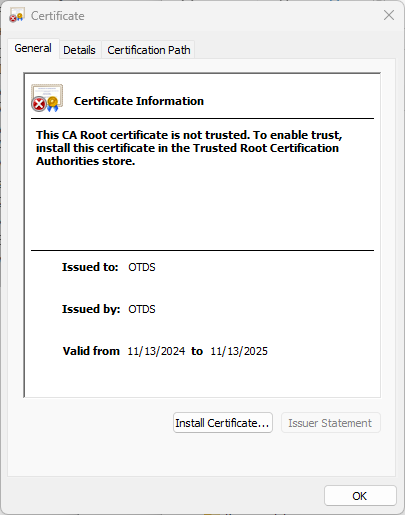
If you save the certificate to a file in Windows with a .cer extension, then you can check the expiration date and time. That said OTDS will automatically generate a new certificate exactly 4 weeks prior to that expiration date.
How to configure as auto-renew:
using chrome, hit this url at OTDS server to ensure you see the following screen:
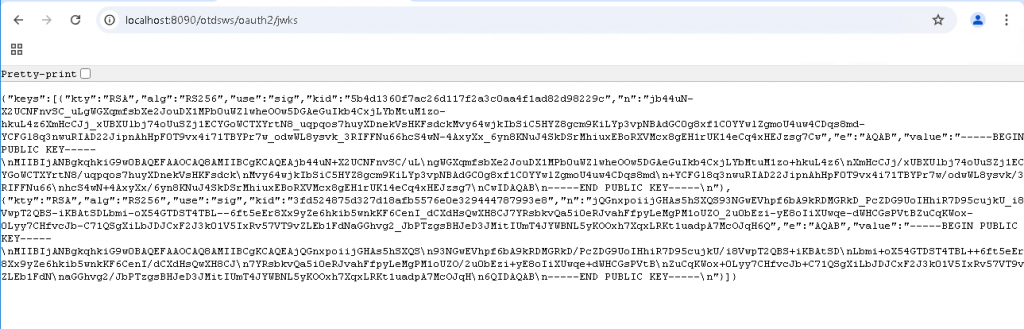
Please note: if the above is not working, ensure that GET command is working:

now, go to CS, and add the following lines to otdsauth.properties file:
auto_cert_refresh=true
cert_jwks_url=https://lvdmsprdapp02/otdsws/oauth2/jwks

then, restart JMS. Repeat the last step to all CS.