S
By Suhas Das
Author
3 views
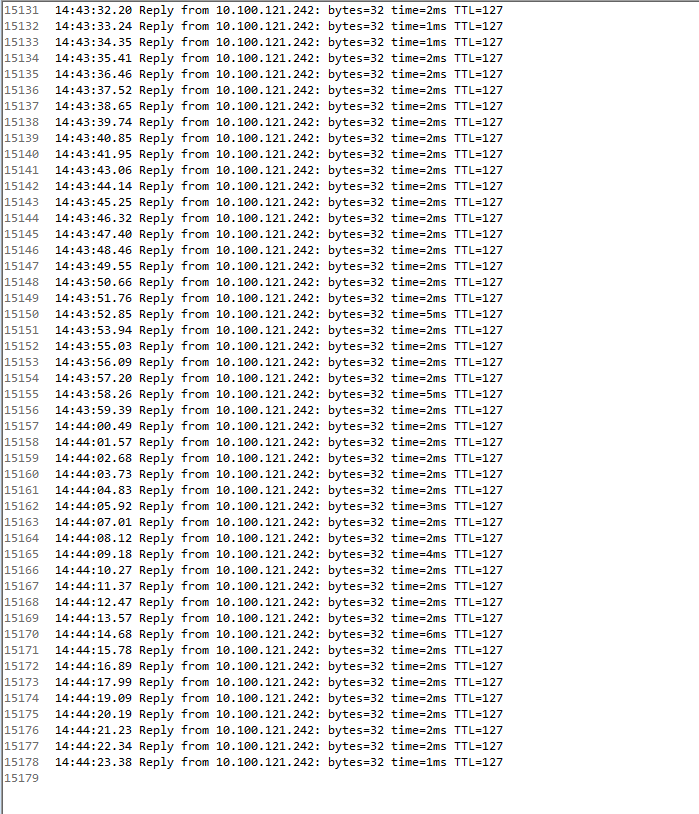
constant pinging with timestamp:
@echo off
SET TARGET=<server name or IP>
IF "%~1" NEQ "" SET TARGET=%~1
ping -t %TARGET%|cmd /q /v /c "(pause&pause)>nul & for /l %%a in () do (set /p "data=" && echo(!time! !data!)&ping -n 2 localhost >nul" > C:\Temp\rociolopez.txt
output looks like: